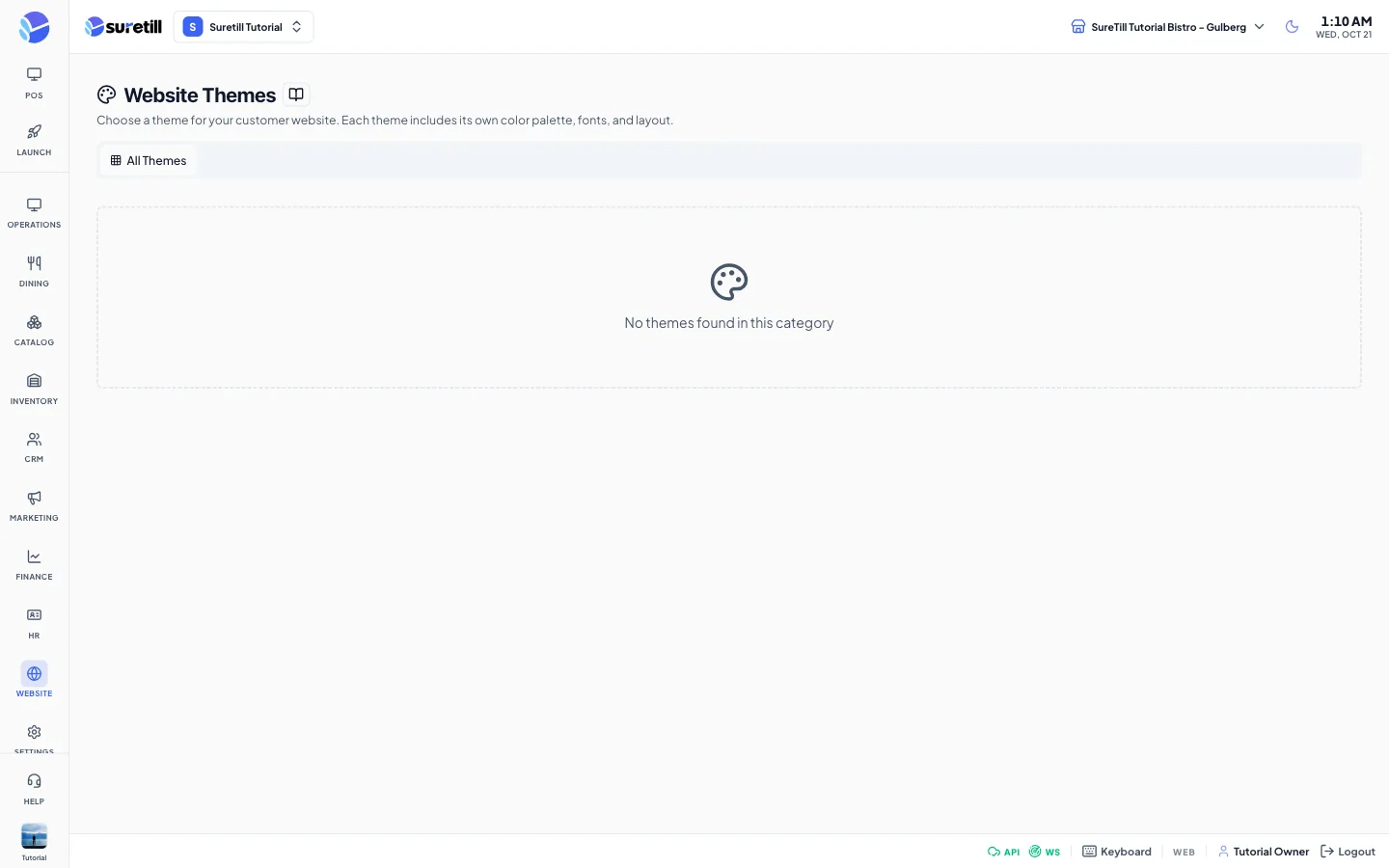
Where: Website > Themes Who can use it: Permission: website.manage_themes, settings.update or manage settings. Open this page in SureTill
A theme is a ready set of colours, fonts and layout choices. The gallery shows the themes you can use. The default set contains Starter (Restaurant), Elegance (Fine Dining), Fresh Bites (Cafe), Urban Eats (Fast Food) and Coffee House (Cafe). Starter is active at the start. Only one theme is active at a time for a branch.
Activating a theme copies its settings into your website settings. Customizing lets you change those settings. The settings you save become your own version of that theme.
The separate storefront reads these theme values: the logos, favicon and social share image; the site name and tagline; the eight colours; the heading and body font; the contact details; the social links; and the copyright text. It ignores the other fields, which apply only to the built-in website of on-premise installs. The table below marks each field.
Each logo field takes a picture address or path, for example /uploads/logo.png. There is no upload button. A small preview and a remove button appear once a value is set.
Setting
What it does
Logo (Light)
Logo for dark backgrounds, 200 by 60 pixels recommended. Storefront: yes.
Logo (Dark)
Logo for light backgrounds, 200 by 60 pixels recommended. The storefront header uses this one first. Storefront: yes.
Favicon
32 by 32 or 64 by 64 PNG for browser tabs. Storefront: yes.
Footer Logo
Optional separate logo for the footer. Storefront: yes.
Admin Logo
Logo for the admin sidebar. Stored with the theme.
Default Social Share Image
Picture used when a page is shared, 1200 by 630 recommended. Storefront: yes.
Inter, Poppins, Roboto, Open Sans, Lato, Montserrat, Playfair Display, Nunito, Raleway, Source Sans Pro, Merriweather or DM Sans, with a sample line. The storefront uses both choices and loads the font from Google Fonts when it does not ship it.
These tabs configure the built-in website of on-premise installs. The storefront ignores them.
Setting
What it does
Blog: Blog Page Title, Blog Subtitle, Posts Per Page
Heading text and 6, 9, 12, 15, 18 or 24 posts per page.
Blog: Blog Layout, Sidebar Position, Single Post Template
grid, list or masonry; right, left or no sidebar; standard or full-width post.
Blog: Sidebar Widgets
Switches for Search, About / Author, Categories, Recent Posts, Popular Posts, Tags Cloud, Archive and Newsletter Signup. All are on by default.
Blog: Single Post Features
Switches for author box, related posts, reading time, reading progress bar, table of contents, social sharing and comments.
Blog: Social Sharing Platforms
Switches for Facebook, Twitter / X, LinkedIn, WhatsApp, Pinterest and Copy Link.
Ecommerce: Products Per Page
8, 12, 16, 20, 24 or 32.
Ecommerce: Product Card Style
default, compact or detailed.
Ecommerce: Currency Position
Before the price ($99) or after the price (99$).
Ecommerce: switches
Show Add to Cart on product cards, wishlist, product reviews and ratings, quick view popup.
SEO: Meta Title, Meta Description, Meta Keywords
Search engine texts with character counters (60 and 160).
SEO: Google Analytics ID, Google Site Verification, Facebook Pixel ID
Tracking and verification codes.
SEO: Enable XML Sitemap, Enable robots.txt
Switches, on by default.
Cookie Consent: Enable cookie consent banner
Shows a banner. When on, more fields appear: Cookie Message, Learn More URL, Button Text, Banner Position (Bottom Bar, Top Bar, Bottom Left Popup, Bottom Right Popup) and Background Color.