

State Configuration
Where: Settings > State Config
Who can use it: Sidebar permission: settings.update or manage settings.
Open this page in SureTill
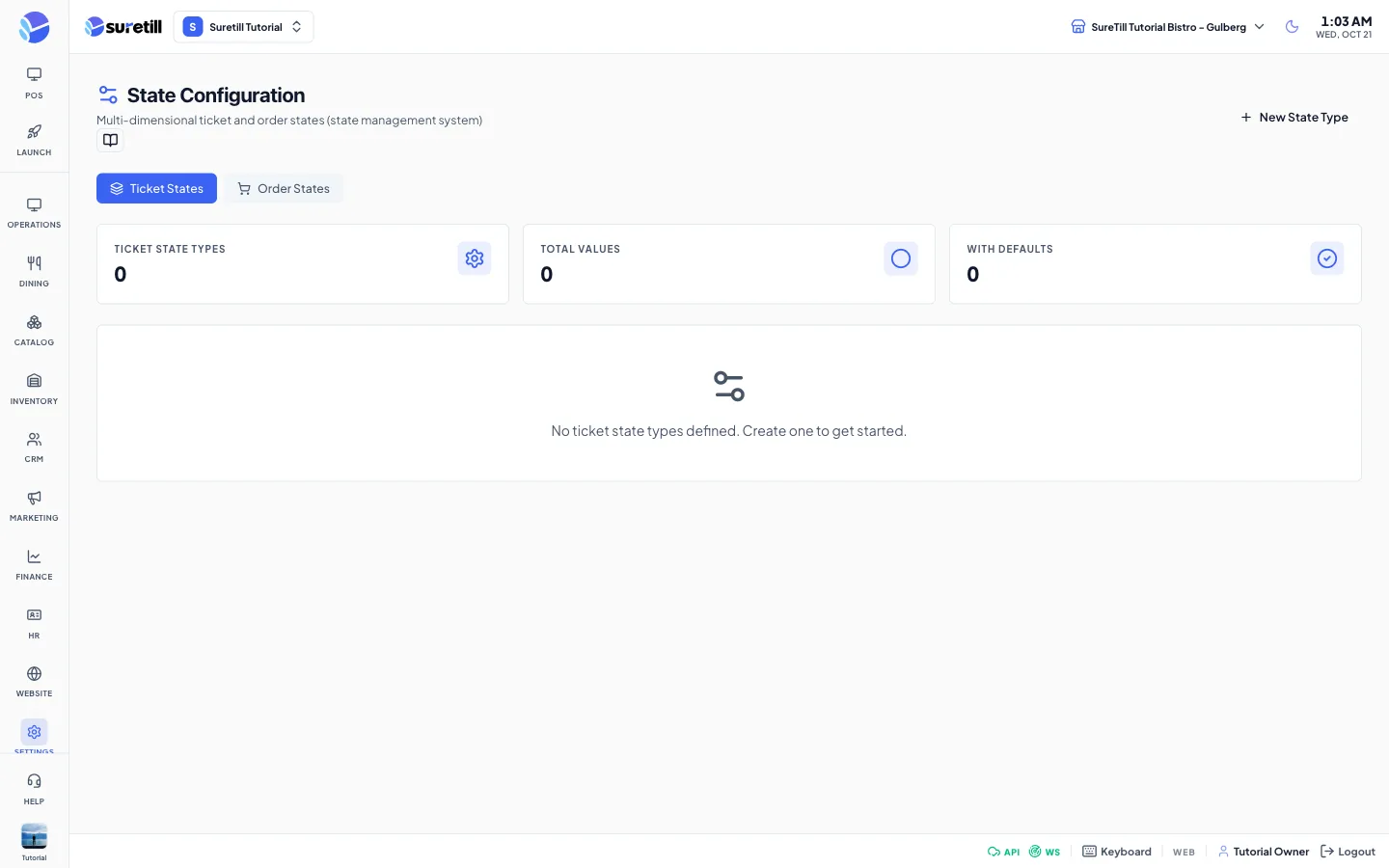
A state type is a question about an order or a ticket, such as Status, Payment State or Preparation. Its values are the possible answers, for example New, In Progress and Completed. Ticket states and order states are kept apart: use the buttons Ticket States and Order States at the top to switch.
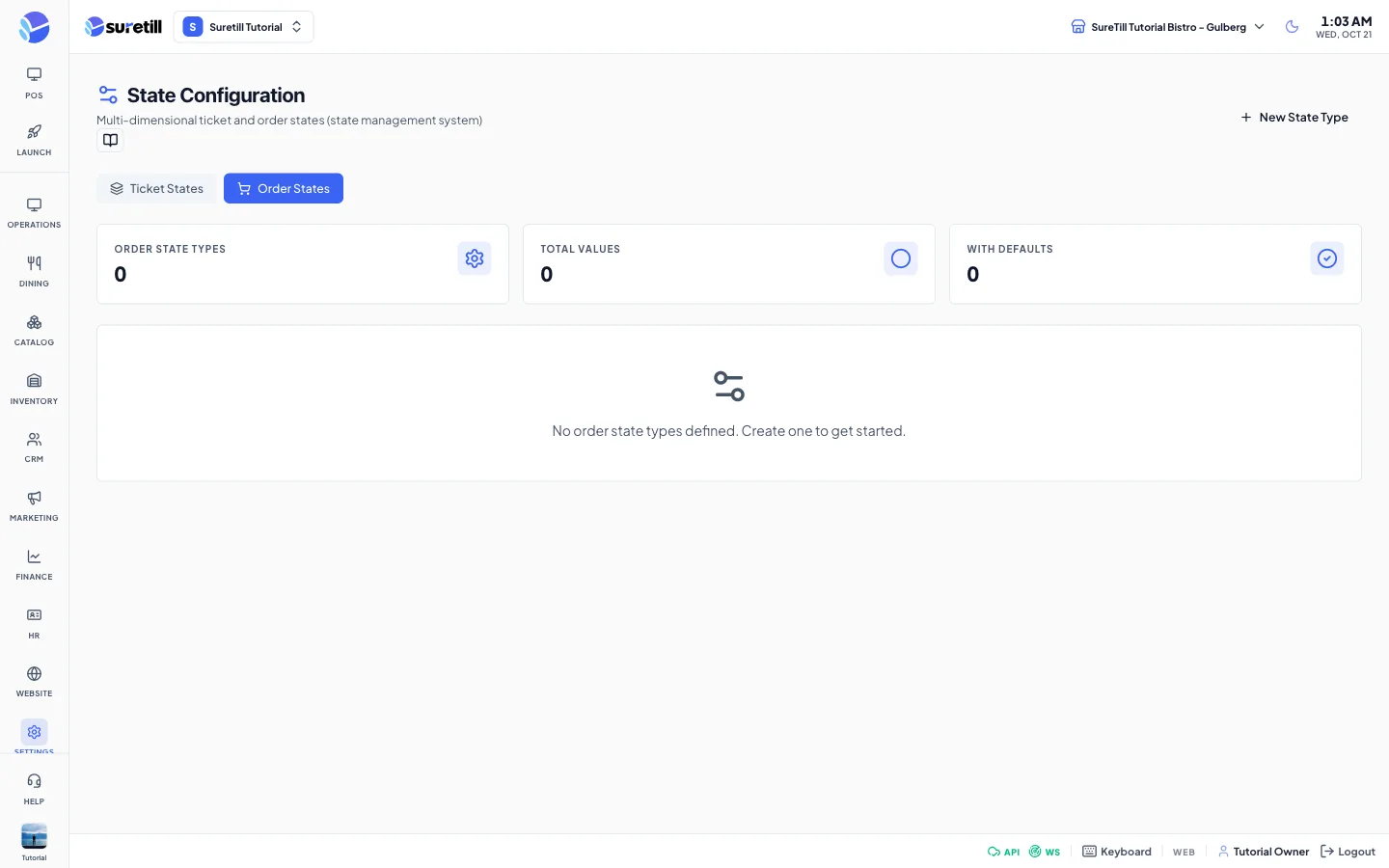
Step by step: create a state type with values
Section titled “Step by step: create a state type with values”- Open Settings > State Config and choose Ticket States or Order States.
- Click New State Type.
- Type the Name, for example Payment State, choose the Color and click Create.
- Click the new row to expand it, then click Add Value.
- Type the value Name, choose the Color, optionally an Icon, and click Create. Repeat for each value.
Step by step: change or delete
Section titled “Step by step: change or delete”- Edit a type: click the pencil icon on its row.
- Delete a type: click the bin icon and confirm. The type and all its values are deleted.
- Edit a value: expand the type and click the pencil icon on the value.
- Delete a value: click the bin icon on the value and confirm.
Every setting explained
Section titled “Every setting explained”| Setting | What it does |
|---|---|
| Ticket States and Order States | Two buttons that switch the whole page between the two lists. |
| State Types counter | The number of types in the list you are looking at. |
| Total Values | The number of values over all types in that list. |
| With Defaults | The number of types that have a default value. |
| Type row | A color dot, the name and the number of values. Click it to expand. |
| Name (type) | Required. The system makes a unique short name from it for internal use. |
| Color (type) | A color picker. Default: #3b82f6. |
| Name (value) | Required. |
| Color (value) | A color picker. Default: #6b7280. |
| Sort Order | A whole number. Default: 0. |
| Icon (Lucide name) | Optional icon name such as circle, check or clock. |
| Default value for this state type | Tick box. Marks the default value of the state type. Ticking it removes the mark from the other values of the same type. A Default badge appears on the value. |