

Staff limits by plan
Where: Settings > Billing & plan
Who can use it: Cloud (SureTill) restaurants only. The Billing & plan page needs settings.update or manage settings. On-prem installations have no staff limit.
Open this page in SureTill
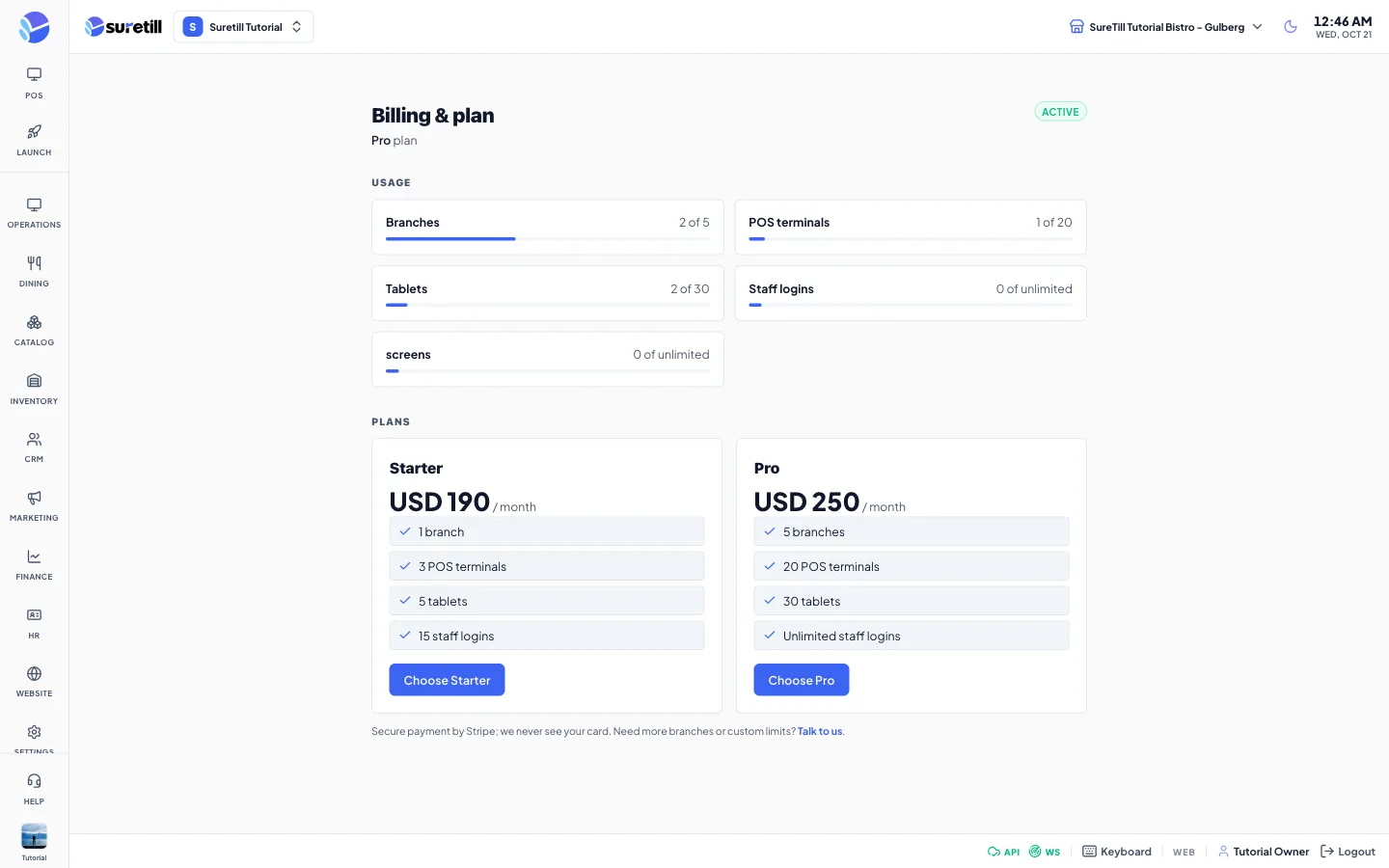
Every plan has a limit called Staff logins. It is the number of user accounts the restaurant may have. When you try to add one more than the plan allows, the server refuses and the form shows a message such as: Plan limit reached for users (5 of 5). Upgrade your plan to add more.
The limits
Section titled “The limits”| Plan | Staff logins |
|---|---|
| Trial | 5 |
| Starter | 15 |
| Pro | Unlimited |
What counts
Section titled “What counts”- Every account that has not been deleted counts: owner, admin, managers, cashiers, waiters, chefs and so on.
- The status does not matter. An account that is inactive or suspended (Locked) still uses a staff login.
- Delivery rider accounts, which are accounts with a rider profile, do not count.
- Deleting an account frees its place. Revoking access does not.
Step by step
Section titled “Step by step”See how many you use
Section titled “See how many you use”- Open Settings > Billing & plan.
- Look at the Usage section. The Staff logins card shows the number used and the limit, for example 4 of 5, with a bar. The bar turns red from 90 percent.
Make room for a new person
Section titled “Make room for a new person”- Open HR > Users.
- Delete accounts that nobody uses any more. Locked accounts still count until you delete them.
- Add the new person again.
Raise the limit
Section titled “Raise the limit”- Open Settings > Billing & plan and look at the Plans section.
- Choose a plan with a higher limit, or use the link at the bottom of the page to talk to SureTill about custom limits.
Where the limit is checked
Section titled “Where the limit is checked”The check runs when a new account is created, both from HR > Employees (Add Staff) and from HR > Users (Invite New Operator). The server counts and creates the account in one locked step, so two people adding an account at the same time cannot both take the last place.