

Receipt settings
Where: Settings > General Settings > Receipt
Who can use it: Sidebar permission: settings.view or manage settings. No plan or add-on is needed.
Open this page in SureTill
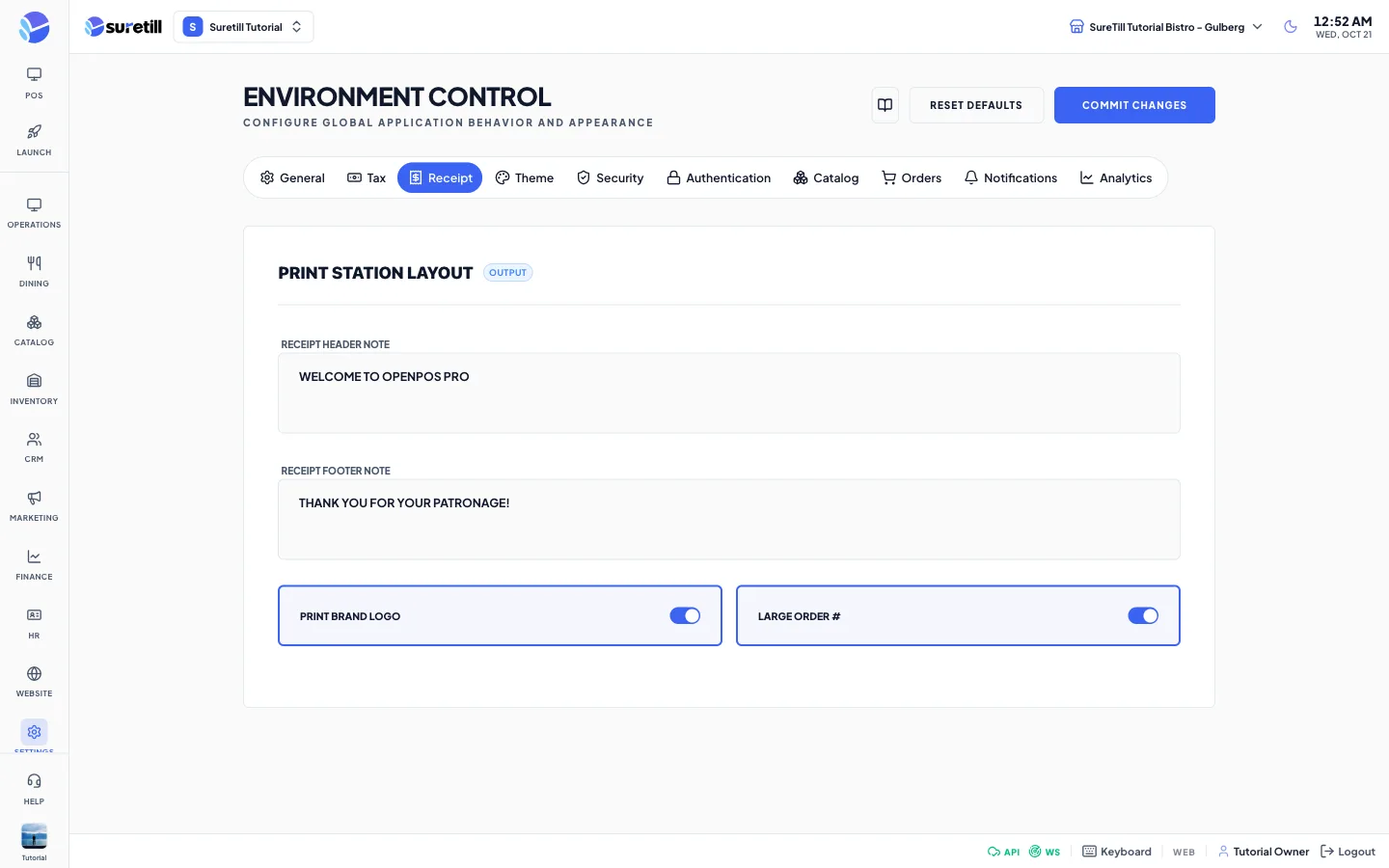
The Receipt tab is titled Print Station Layout. It saves the receipt settings group, which POS terminals can read.
Step by step: change the receipt text
Section titled “Step by step: change the receipt text”- Open Settings > General Settings and click the Receipt tab.
- Edit the Receipt Header Note and the Receipt Footer Note.
- Turn Print Brand Logo and Large Order # on or off.
- Click Commit Changes.
Every setting explained
Section titled “Every setting explained”| Setting | What it does |
|---|---|
| Receipt Header Note | Text box. Default before you save: WELCOME TO OPENPOS PRO. |
| Receipt Footer Note | Text box. Default before you save: THANK YOU FOR YOUR PATRONAGE! |
| Print Brand Logo | Switch. Default: on. |
| Large Order # | Switch. Default: on. |