

Glossary
Where: Operations > POS Terminal
Who can use it: Everyone.
Open this page in SureTill
Words are in alphabetical order. A term in another definition that has its own entry is written the same way.
| Term | Meaning in SureTill |
|---|---|
| Account center | The page /admin/account where the owner sees every restaurant they own, opens one, adds one and reaches Billing. |
| Add-on | A paid extra on top of your plan. QR Menu and Uber Eats are feature add-ons. Extra branches, terminals, tablets, staff logins or screens are unit add-ons. |
| Branch | One physical location of your business. A restaurant has at least one. Staff, tables, printers, work periods and many settings belong to a branch. Plans limit how many branches you have. |
| Business type | Restaurant, Cafe, Bakery, Fast food, Food truck or Something else. Chosen in the wizard. It selects the sample menu. |
| Category | A group of products on the POS, such as Burgers or Drinks. Shown as tabs. |
| Customer account (On Account) | A customer record that can carry a balance. Paying On Account charges the bill to that customer. |
| Department | An order type with its own tables and optionally its own menu. The standard ones are Dine-In, Takeaway and Delivery. Their base type decides how the POS behaves (tables, rider). You switch department at the top of the POS. |
| Device | A paired screen or computer: POS Terminal, Kitchen Display, Self-Service Kiosk, Waiter Pad, Self-Service or Order Display. Registered in Devices. |
| Guest count | The number of people at a table. Set with the Guest button on the POS. |
| Hold | Puts the current order aside without sending it to the kitchen. The Held button lists held orders. |
| Kitchen Display (KDS) | The kitchen screen. Sent orders appear on it as soon as the cashier presses Order. The kitchen moves them through their stages. |
| KOT (Kitchen Order Ticket) | The paper ticket printed in the kitchen when an order is sent. The KOT button prints it again. |
| Launch Pad | Your home screen: work period, numbers for today and the apps you pinned. |
| Menu | A named list of categories and products. A department can use its own menu. Not the same as Category. |
| Menu board | A designed screen of items and prices for a TV. Made in Menu Boards and shown on paired screens. |
| Modifier | An add-on choice on an item, such as Extra cheese. Modifiers live in groups with a Min and Max number of choices and an optional Required Selection. Each modifier has a Name and a Price and may use up some stock. |
| Order | One sale in progress or finished. In dine-in a table can have several orders, called tickets. |
| Pairing code | A one-time code of 6 or 8 characters made in Devices. You type it on a new device with the restaurant email to connect it. It expires after 10 minutes. |
| Permission and Role | A permission is one allowed action. A role is a set of permissions given to a user, for example owner, manager, cashier, waiter, chef or driver. Roles decide which screens a person sees. |
| PIN | A 6-digit number a staff member types on the device keypad to sign in. Set in Users. |
| Plan | Your subscription level. It sets limits for branches, POS terminals, tablets, staff logins and screens. Every new restaurant starts on a 7 day trial. |
| Print agent | A small program on a computer in the restaurant that sends bills and kitchen tickets to network printers. Browsers and tablets cannot reach network printers by themselves. |
| Product | An item you sell, with a name, price and category. May have variations and modifiers. |
| QR Menu | An add-on that gives guests a read-only menu they open by scanning a QR code. |
| QR Ordering | Guests order from the table by scanning a code on the table. New rounds reach the POS for you to accept. |
| Restaurant | Your whole business account in SureTill, with its own database, plan and bill. One owner can have up to 5. |
| Settle | The final step on a paid order. It closes the ticket and frees the table. It is a deliberate button; it does not happen by itself unless Auto-Settle After Payment is on. |
| Split bill / Split Pay | Divide one bill. Split on the order panel separates items into separate bills. Split Pay on the Payment screen takes several payments for one bill. |
| SureCall | AI phone ordering. Appears once SureTill attaches a phone number to your restaurant. |
| SureScreen | SureTill menu boards on TVs. A SureScreen plan is a menu-board-only plan. |
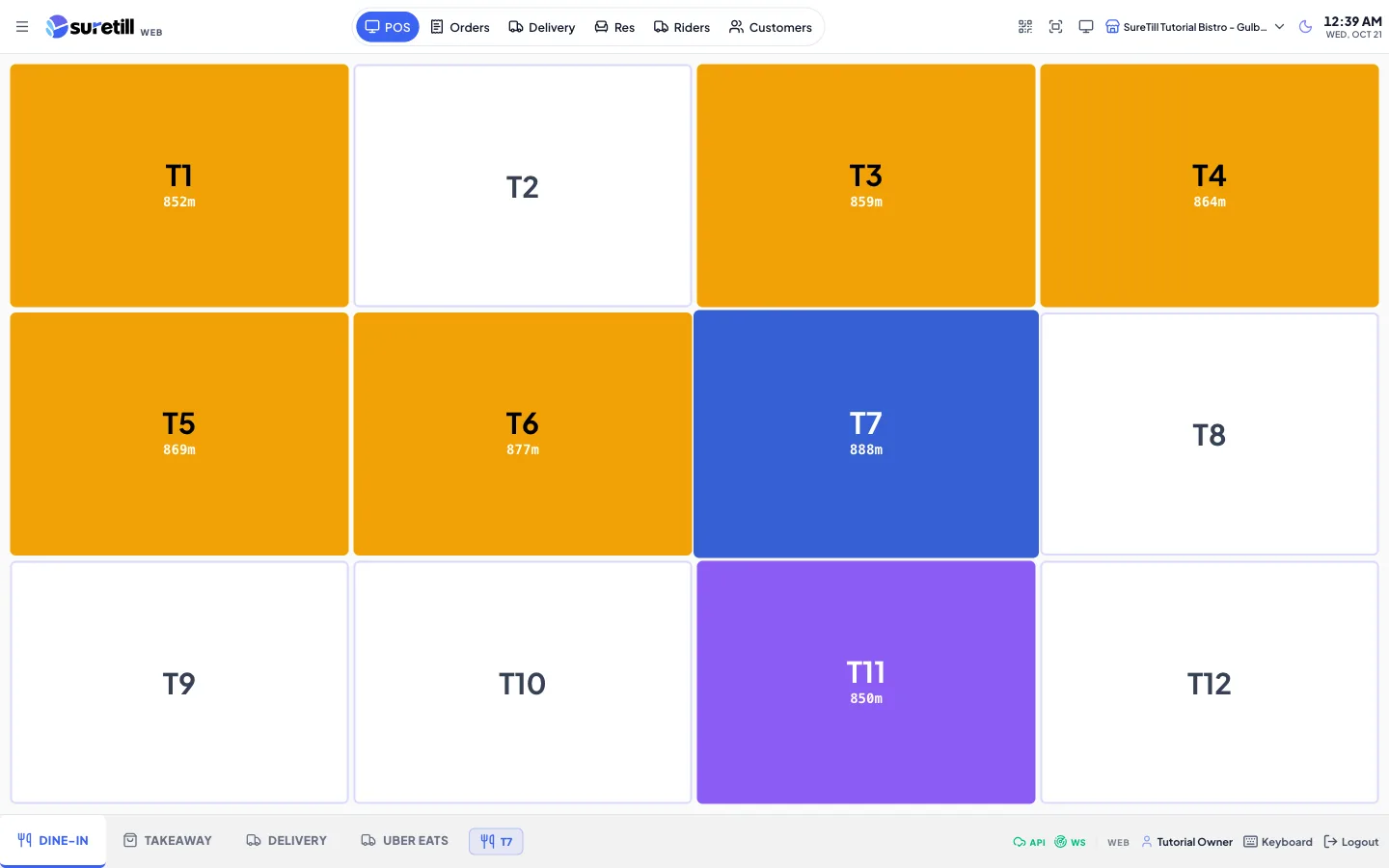
| Table | A seating place on the floor plan with a name, a capacity and a shape. Its colour shows its state, for example free or occupied. |
| Tablet | In plan limits, a Waiter Pad device. In everyday use, any tablet running the app. |
| Terminal | In plan limits, a POS Terminal, Self-Service Kiosk or Self-Service device. In everyday use, a counter computer running the POS. |
| Ticket | A separate order on the same table, so guests can pay separately. The Ticket button adds one. |
| Trial | The first 7 days of a new restaurant. No card is needed. |
| Variation | A named price option of one product, such as Small or Large. Added in the product form with Add Variant, each with a name and a price. |
| Void | Cancels an item or an order that is not yet paid. A manager PIN may be asked for. |
| Work period | A shift of selling, from opening to closing. The POS locks orders, tables and payments until one is open. Opening records the opening cash. Closing counts the cash and produces a Work Period Report. |