

Backup and Disaster Recovery (point in time)
Where: Settings > Backup & DR
Who can use it: Permission: settings.manage_backups, settings.update or manage settings. Works only on an on-premise server where SureTill installed the point-in-time system. Not available on SureScreen plans.
Open this page in SureTill
A normal backup is a picture taken once an hour or once a day. If the server dies at 3 pm, everything since the last picture is lost. Point-in-time recovery closes that gap. The database writes every change into a log file (the binary log). A small job on the server sends the new log files to an off-site storage about every 2 minutes, and takes a full base copy about every 6 hours. After a crash you restore the newest base copy and replay the logs, so you lose about two minutes at most.
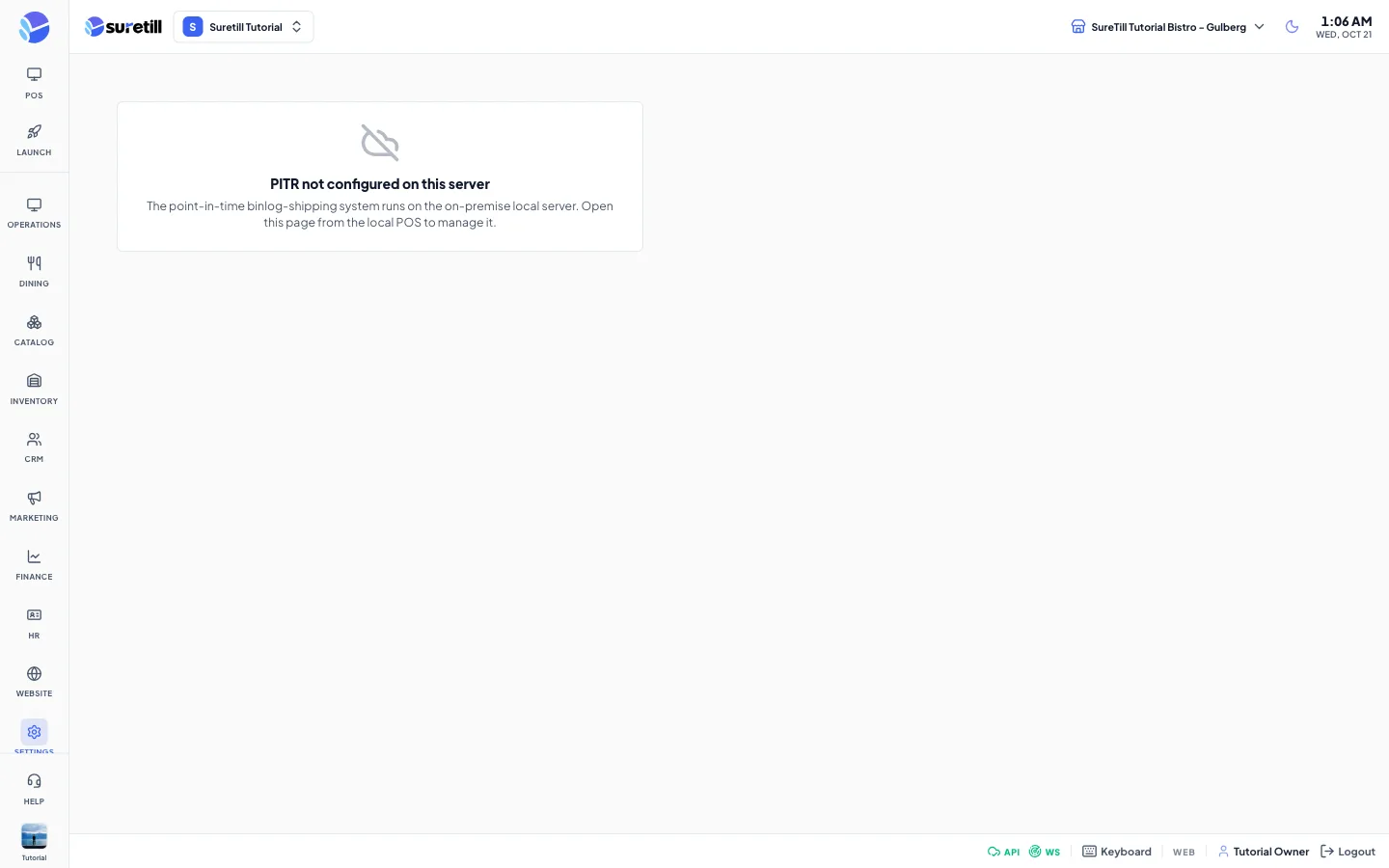
On SureTill cloud this page shows PITR not configured on this server. The cloud platform protects your data at platform level, and you can download your own copy on the Backup page. The rest of this article is for on-premise servers.
Step by step
Section titled “Step by step”Check that you are protected
Section titled “Check that you are protected”- Open Settings > Backup & DR.
- Look at the banner. Green PROTECTED means the last log shipment was successful and not older than 5 minutes. Red ATTENTION means shipping is late or failing.
- If it is red, read the Recent activity log at the bottom and check the internet connection of the server.
- The page refreshes every 15 seconds. Press Refresh to read it now.
Send a copy right now
Section titled “Send a copy right now”Ship binlogs now sends the newest log files off-site at once. Full backup now starts a base copy; it uploads in the background and can take a while. Wait a few seconds, then press Refresh.
Restore after a crash
Section titled “Restore after a crash”Restoring is done on the server, not on this page. On a new PC, restore the newest base-*.sql.gz file and replay the logs from the position recorded with it. The full instructions are in the file /etc/pospro-pitr/RESTORE.md on the server. Ask your SureTill contact if you are not sure.
Every setting explained
Section titled “Every setting explained”| Setting | What it does |
|---|---|
| Banner | PROTECTED when the last shipment worked and is at most 5 minutes old, else ATTENTION. It tells the age in minutes, or that nothing was shipped yet. |
| Refresh | Reads the status again. |
| Ship binlogs now | Sends the new log files off-site now. |
| Full backup now | Starts a base copy of the whole database now. |
| Binlog shipping card | OK or FAILED, the time of the last run, the error if any, and the name of the active log file, which is left out because the database is still writing to it. |
| Base snapshot card | OK or FAILED, the time of the last base copy, its file name and size. |
| On iDrive card | The list of files in the off-site storage (the label names the bucket flavourzpos / pitr). Empty text reads No listing. |
| Recent activity log | The last lines of the shipping log. Lines with fail or error are red. |