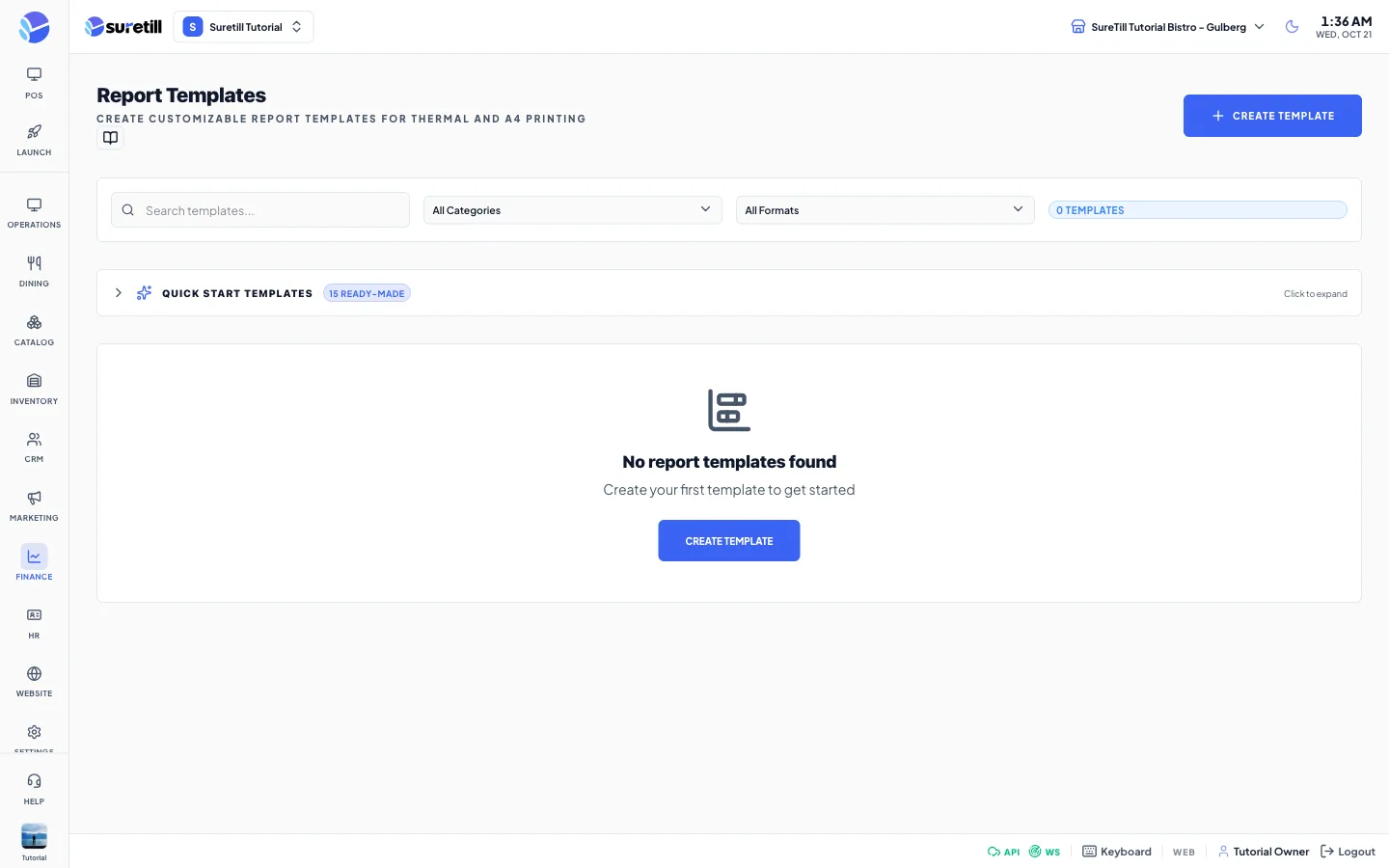
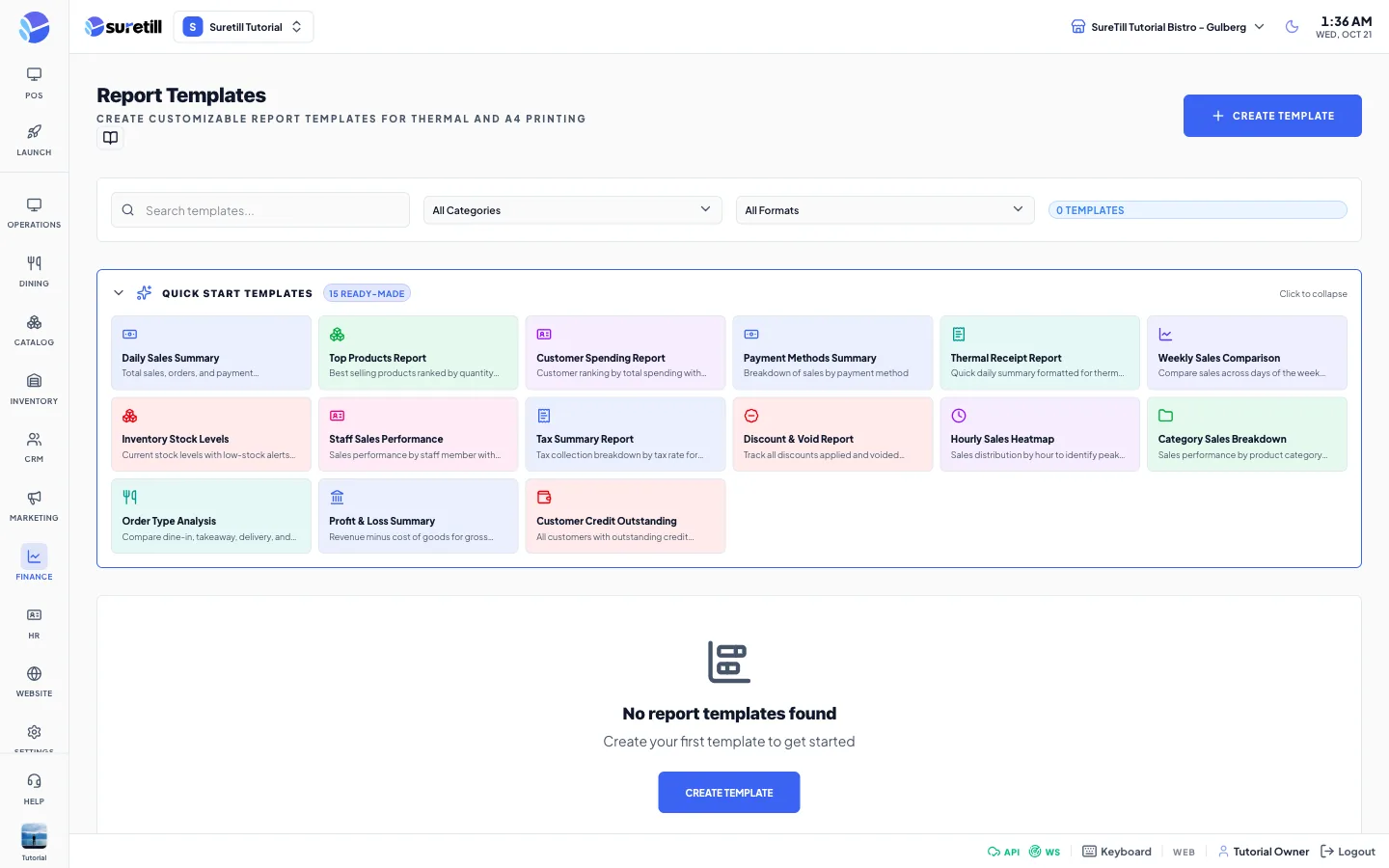
Where: Finance > Report Templates Who can use it: Permission: reports.view or view reports. Writing or running a custom SQL query is only for the owner or a super admin, and only on an on-premise server. Open this page in SureTill
A template is a saved report. It holds a query that reads your data, the parameters the person running it can fill (for example a date), the columns to show, the totals row, the header and footer, and the output format. Saved templates also appear in the Reports page with a tpl tag.
The query runs straight on the database of the restaurant. Only SELECT queries are allowed. Words such as INSERT, UPDATE, DELETE, DROP, ALTER, CREATE, SLEEP and the INFORMATION_SCHEMA tables are blocked, and a second query after a semicolon is blocked.
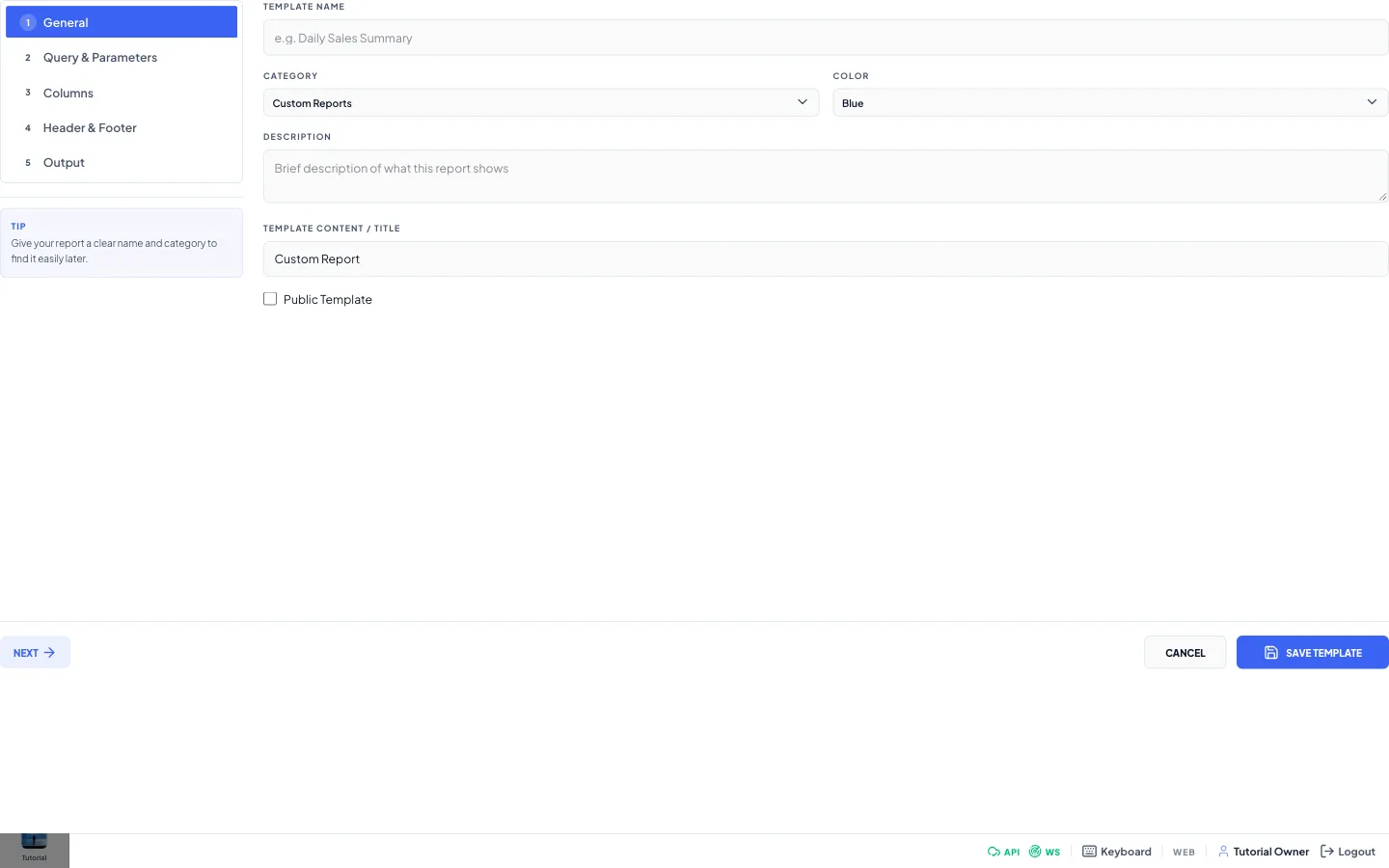
General tab: type a Template Name, pick a Category and a Color, write a Description. Click Next.
Query & Parameters tab: write the SQL query. Use :name for a value the user will type. Click Add Parameter for each one and fill name, label, type and default.
Columns tab: click Add Column for each column. The field must match a column name returned by the query.
Header & Footer tab: set the title and what is printed.
Output tab: choose the format and the paper size.
Click Save Template. At least one column is needed for the Table View and Thermal Receipt formats.