In production in many countriesIntegrates with Uber Eats
SureTill
Home / Products / QR menu
Digital menu

One QR code. A menu that is always up to date

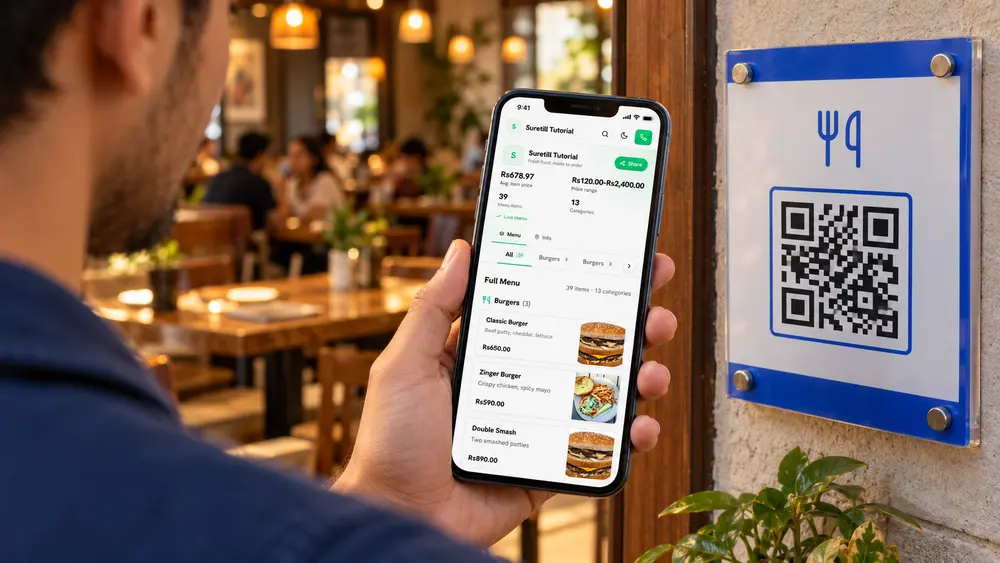
Guests scan your QR code and see the live menu with photos and prices. Change a dish in SureTill and the menu changes, with no reprint.

  • No card, no contract
  • Works offline
  • Live in many countries
QR menu in a real restaurant
Live menuPhotos and prices
  • 3branches on one account at Flavourz
  • 1000+orders a day per branch
  • 124step-by-step guides in the docs
  • 0commission on your own online orders
The difference

Without QR menu. With QR menu.

Without it

  • Printed menus with crossed-out prices
  • Reprinting every time something changes
  • Guests asking what is in a dish
  • Sold-out items still on the page

With SureTill

  • A permanent QR code that never goes out of date
  • Photos, sizes and extras for every dish
  • Badges for Popular, New and Vegetarian
  • Your colours, logo and tagline
How an order flows

From the first tap to the table, in seconds

  1. Guest scans
  2. Browses photos
  3. Decides
  4. Orders with staff
What you get

QR menu, feature by feature

01

A menu guests actually enjoy

Categories, dish photos, prices, sizes and extras on a fast mobile page. Guests search, switch to dark mode, share the link or call you in one tap.

  • Opens in the phone browser, no app
  • Search and category tabs
  • Open in Maps and call buttons
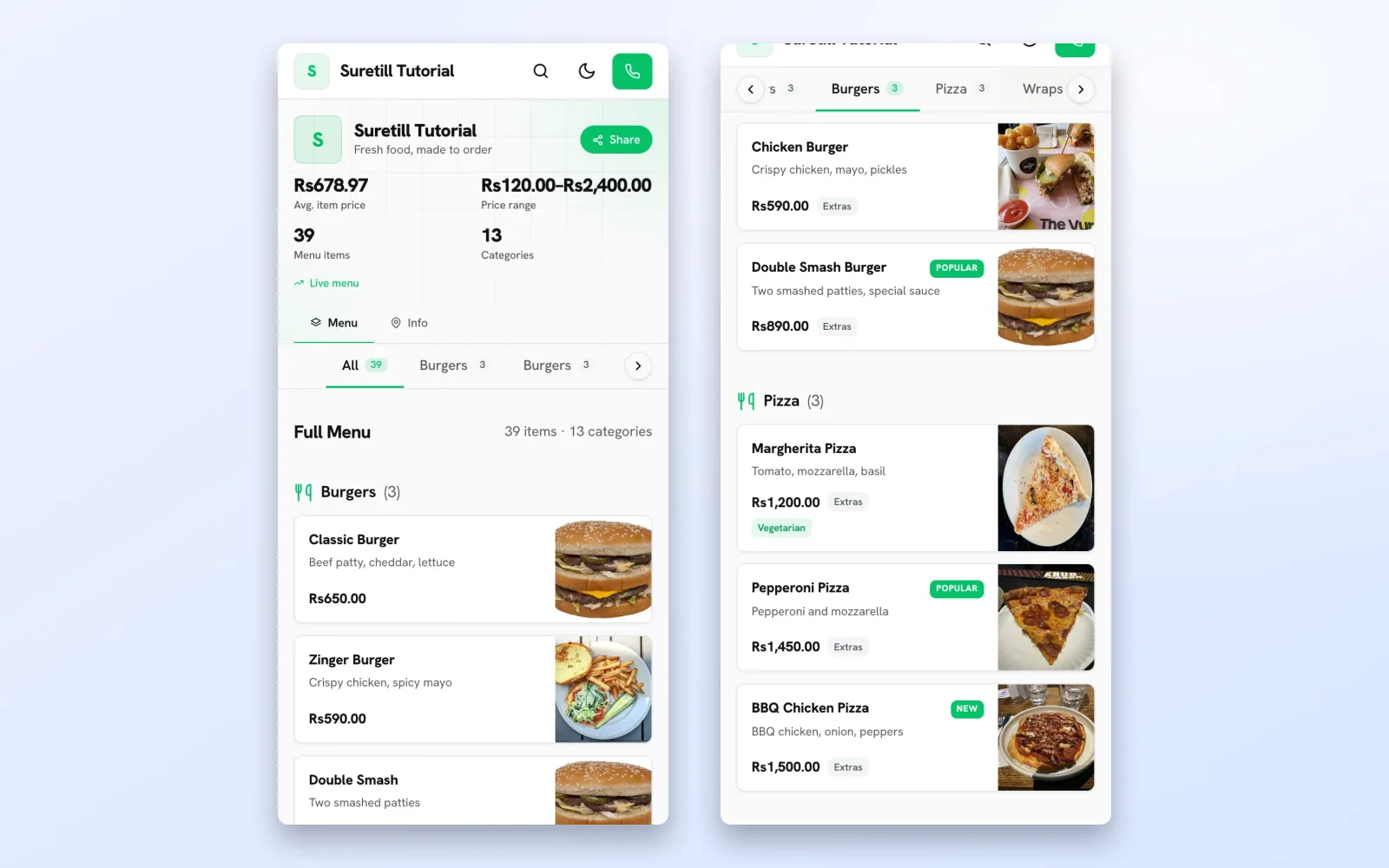
The public QR menu on a phone with the restaurant name, statistics and the first category with photos and prices
02

Badges that help guests decide

Popular, New, Vegetarian and Spicy badges, and an Extras tag when a dish has add-ons, come straight from your products.

  • Badges come from your product settings
  • Hide photos or prices if you prefer
  • Several branches, one link each
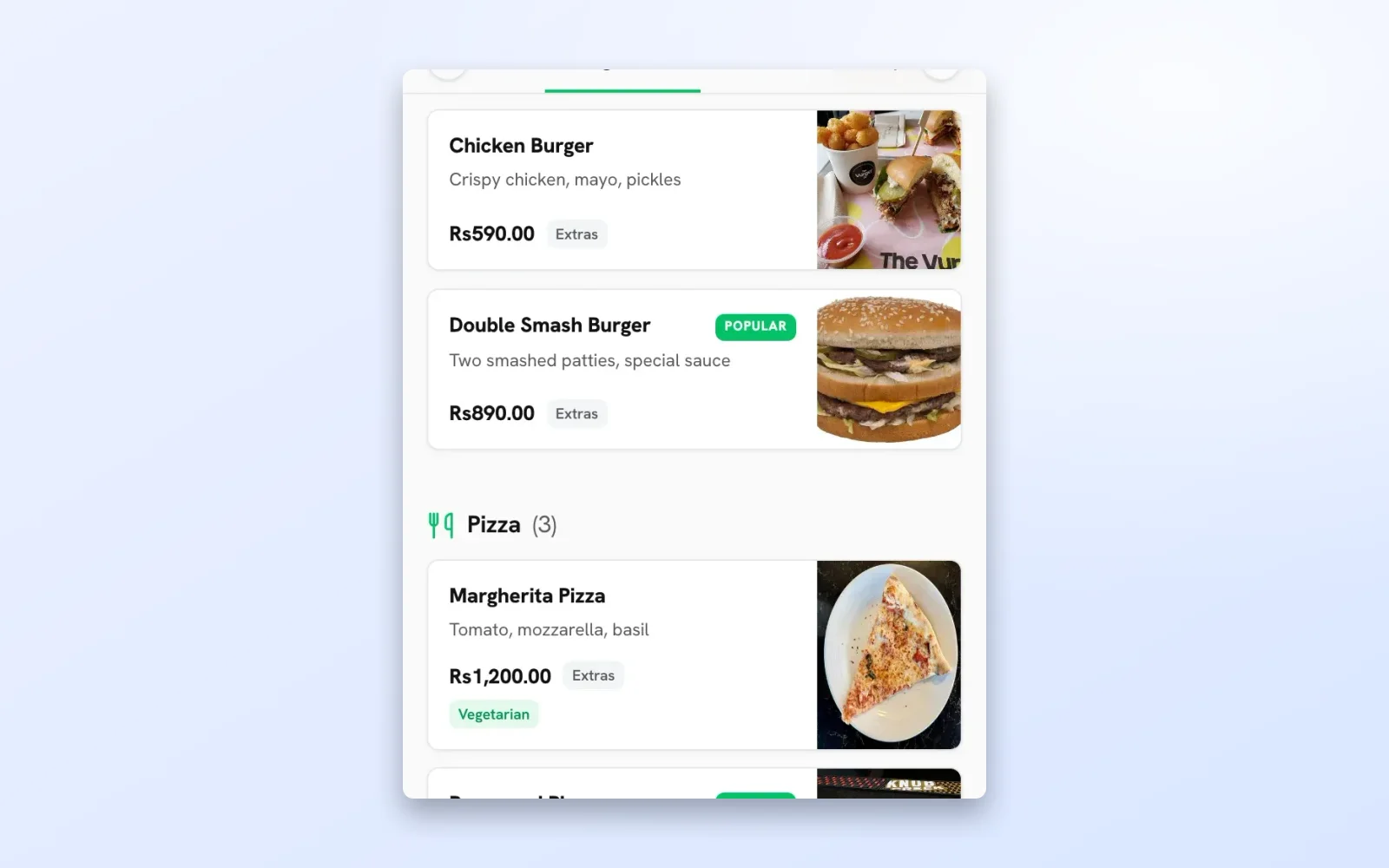
The public QR menu scrolled to Burgers and Pizza with Popular, New and Vegetarian badges
03

Print once, design in minutes

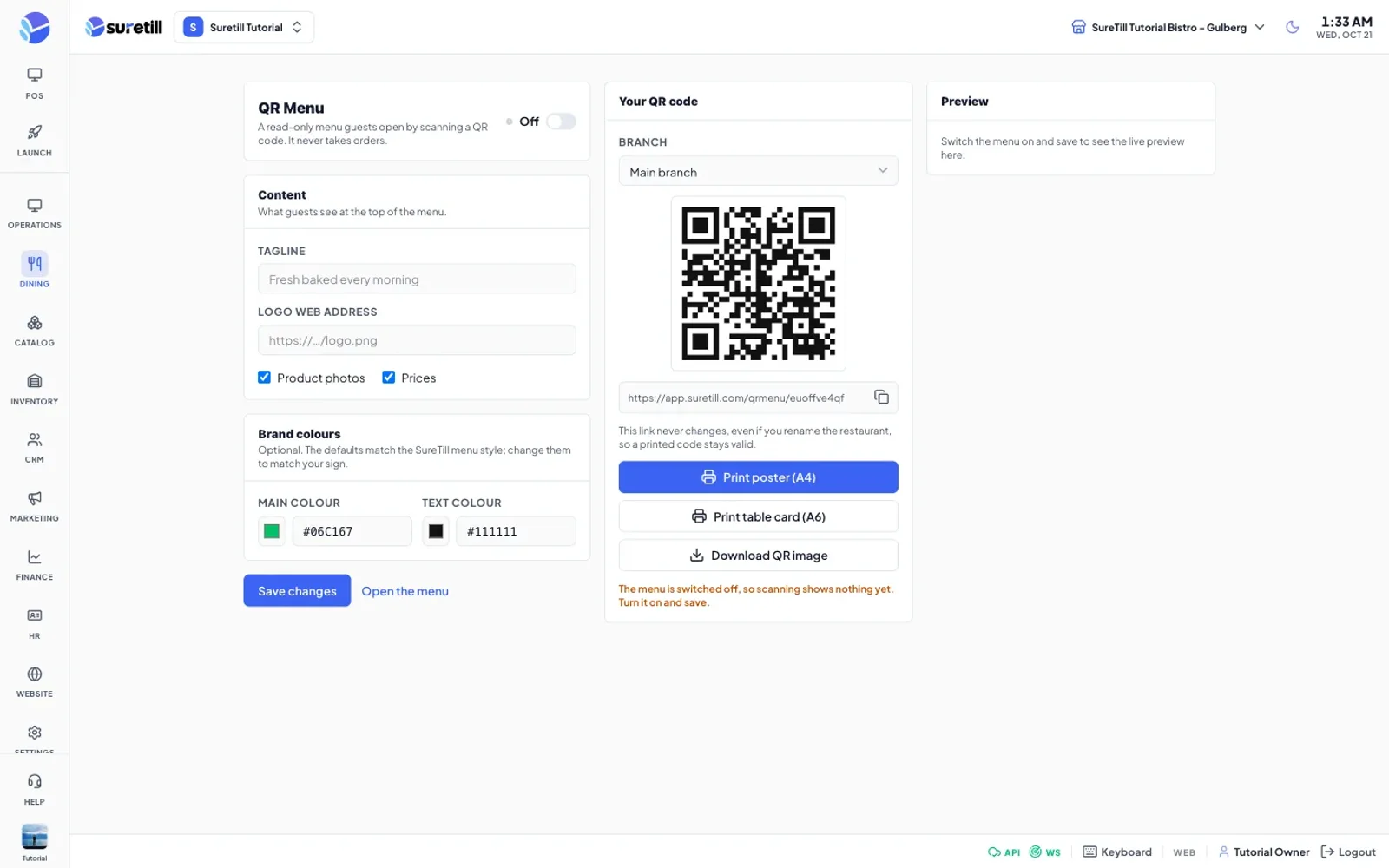
Switch the menu on, set your tagline, logo and colours and print the QR code in A4 or sticker size. The link is permanent, so the poster never goes out of date.

  • Live phone preview while you edit
  • Permanent link per branch
  • Included as a SureTill add-on
The QR Menu admin page with settings, the QR code and a phone preview
Live demo

Try it on your phone

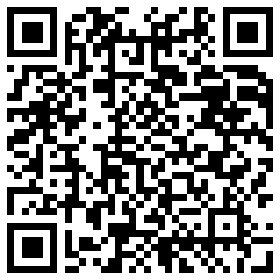
This is the real public menu of our demo restaurant. Open it on your phone or scan it from this screen.

QR code that opens the live demo menu
How it works

Live in four steps

  1. 01

    Switch the menu on

    Open QR Menu, set a tagline, logo and colours.

  2. 02

    Print the QR code

    Download it in the size you need for tables or the door.

  3. 03

    Guests scan

    They see the live menu in their phone browser.

  4. 04

    Edit once

    Change a price or dish in SureTill and the menu updates.

Step-by-step guides: QR Menu, QR Ordering.

Why switch

Printed menu vs QR menu

Printed menuQR menu
Price changeReprintEdit and done
PhotosExpensive to printEvery dish
Sold out dishStill listedHidden automatically
Several branchesSeveral print runsOne QR per branch
FAQ

Questions about QR menu

The QR menu is a read-only public page for your restaurant. It lists your categories and dishes with photos, prices, sizes and extras, and updates the moment you change a product. It never takes orders: to let guests order from the table, use QR table ordering.

You control the look: tagline, logo, colours, and whether photos and prices show. Each branch has its own permanent link, so printed posters never go out of date.

Not covered here? Ask on WhatsApp.

Does it take orders?

No. It is a read-only menu. Guests who want to order from the table use QR table ordering, which is a separate product.

Do I need to reprint when the menu changes?

No. The QR code and link are permanent. The menu behind them updates automatically.

Is it free?

The QR menu is a SureTill add-on. Ask us for the current plan and add-on details.

See QR menu running on a real restaurant.

Open the live demo and click through it yourself, or book a 30-minute appointment and we set it up for your menu while you watch.