
Know what you have, and what each dish costs
Link a recipe to a dish and the ingredients leave your stock when it sells. Count stock, record wastage, receive purchase orders and get alerts before you run out.
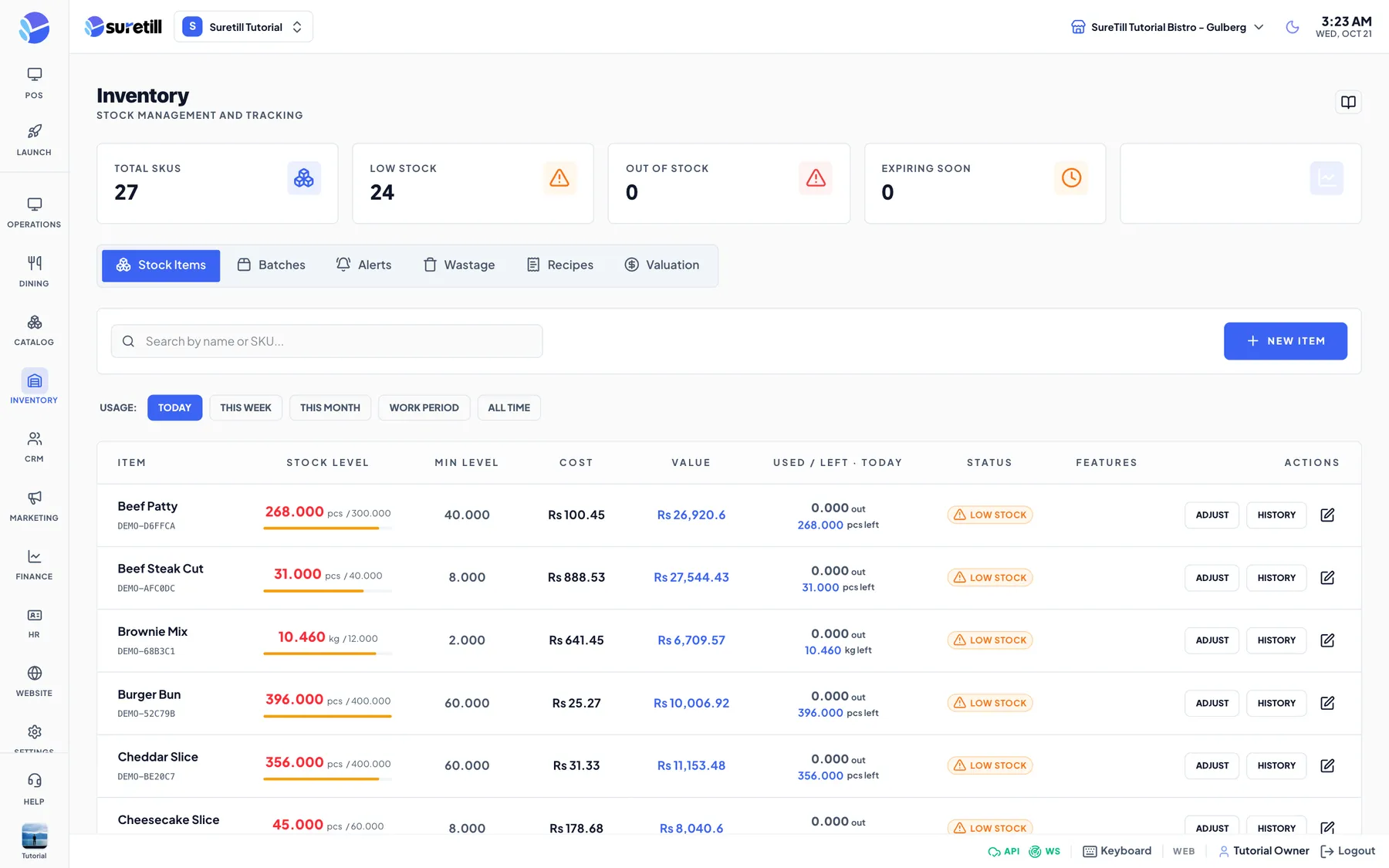
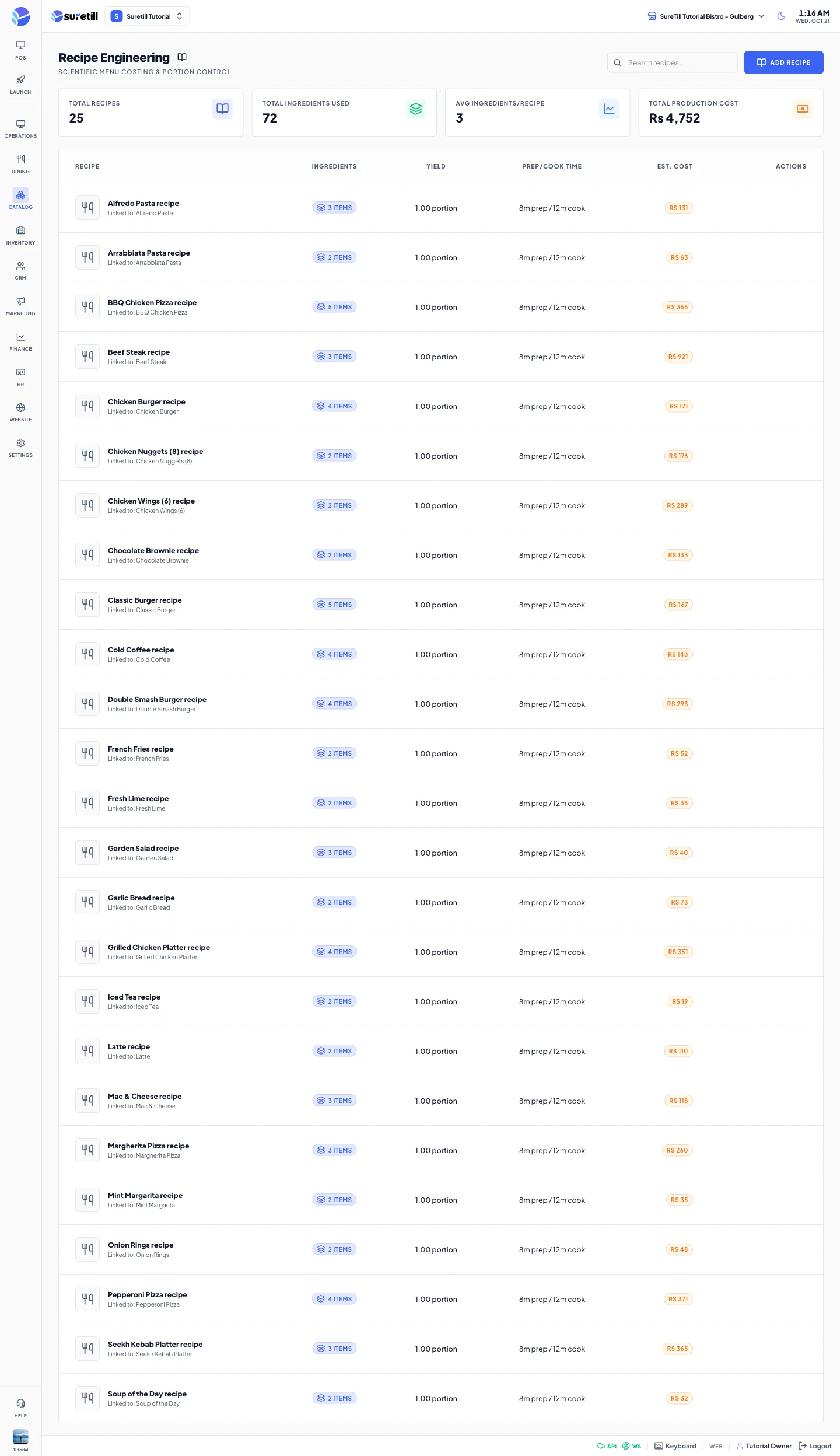
Add your ingredients with units and opening stock, then link each dish to its recipe. When the kitchen starts a dish, the ingredients leave your stock automatically, so the numbers on screen match the shelf.
Receive goods against purchase orders, record wastage, transfer stock between a central store and branches, and let the stock alerts tell you what is low, empty, negative or about to expire. Every movement is kept in a full history.
Inventory and recipes, in practice
Recipes take ingredients out of stock as dishes are sold.
Suppliers, purchase orders and goods receiving update stock and cost.
Low, empty, negative and expiring items are flagged for you.
Move stock between a central store and branches.
Four steps
- 01Add ingredients
Set units and opening stock.
- 02Build recipes
Link each dish to its ingredients.
- 03Sell and receive
Sales deduct stock, purchase orders add it.
- 04Review alerts
Fix what the system flags.
Step-by-step guides: Stock Levels (inventory), Recipes and stock deduction, Purchase Orders (Procurement), Stock Alerts.
Do I have to use recipes?
No. You can track stock for simple items without recipes.
Can I see wastage?
Yes. Wastage is recorded and reported with the full movement history.
See Inventory and recipes running on a real restaurant.
Open the live demo and click through it yourself, or book a 30-minute appointment and we set it up for your menu while you watch.