
Run the till on a tablet, a phone or a PC
The web app works in any browser. The installed Windows and Android apps add device pairing, direct printing, offline selling and automatic updates.
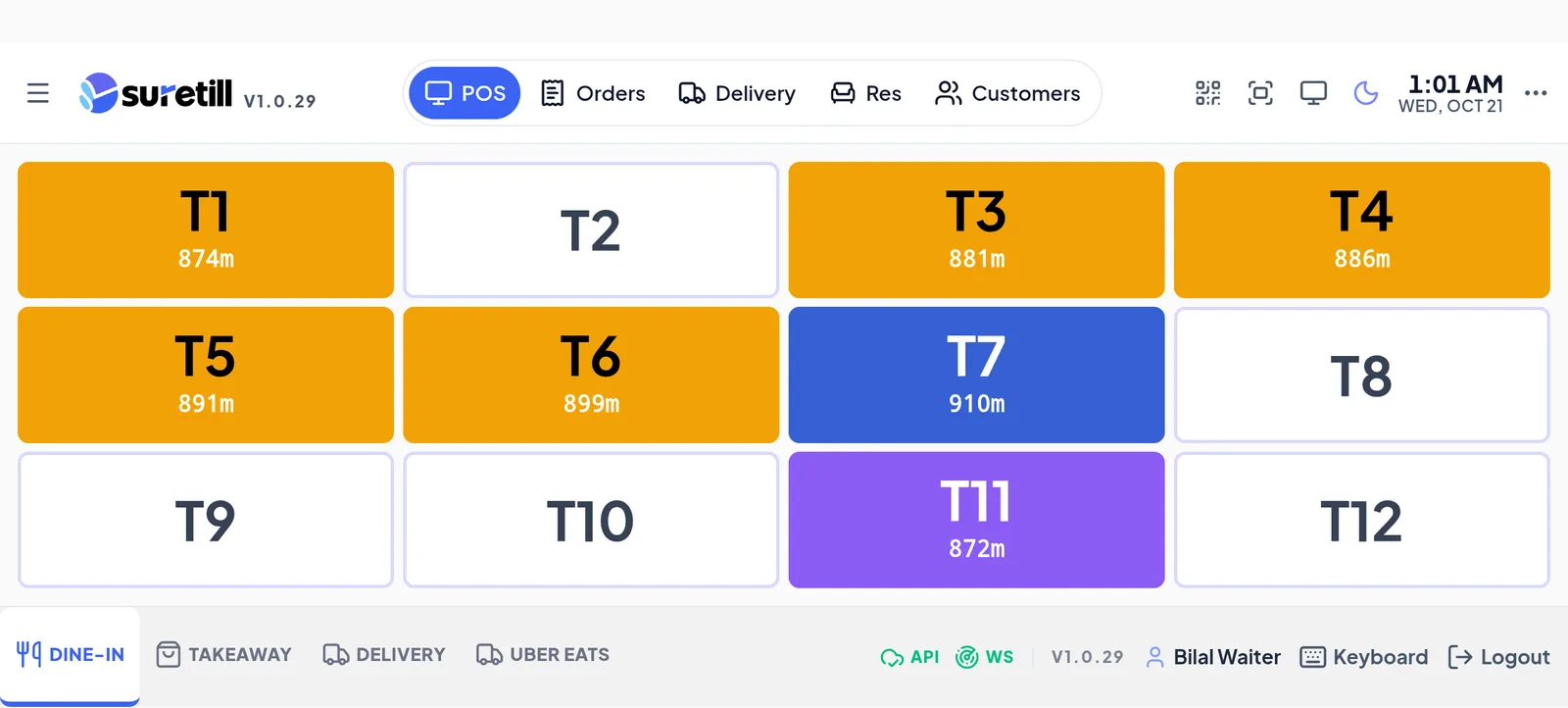
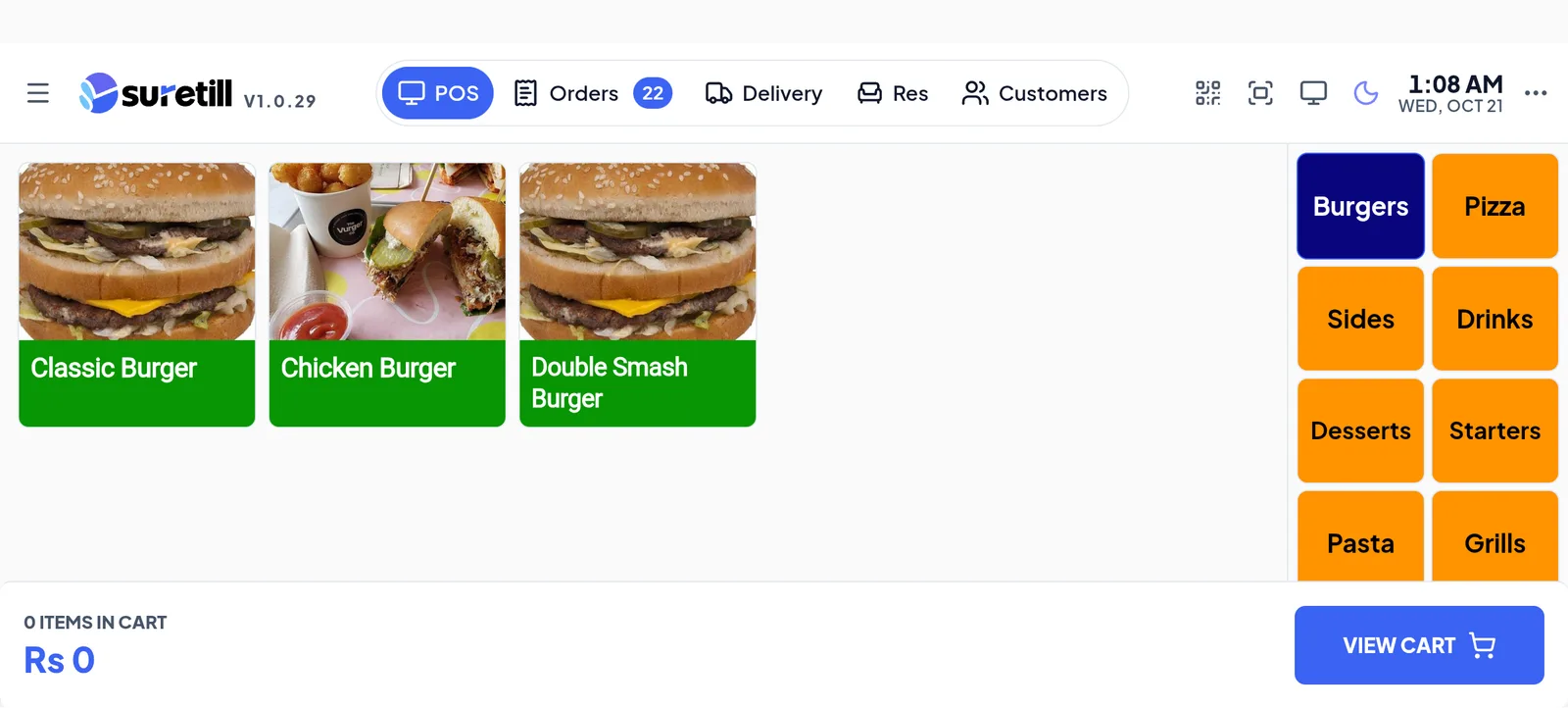
The web app works in any browser. The installed Windows and Android apps add device pairing, direct printing to network printers, offline selling and automatic updates, so a tablet becomes a full till.
Pair each device once with a code, sign in with a staff PIN, and start selling. If the internet drops, the app keeps taking orders and printing, and syncs when the connection returns.
Android and Windows apps, in practice
Register the device once and it stays connected to your restaurant.
Print to network and USB printers from the app.
Keep billing when the internet drops. Sales sync when it returns.
The app tells you when a new version is ready.
Four steps
- 01Download the app
From the downloads page.
- 02Enter your restaurant
Connect with your restaurant details.
- 03Register the device
Pair it with a code in Devices.
- 04Sell
Sign in with your PIN and start taking orders.
Step-by-step guides: Apps and downloads, Windows and Android apps, Offline mode: selling when the server is down, Devices and Terminals.
Is SureTill cloud or self-hosted?
SureTill is a cloud service that is built to keep working offline.
Which devices?
Windows PCs and Android tablets and phones, plus any browser.
See Android and Windows apps running on a real restaurant.
Open the live demo and click through it yourself, or book a 30-minute appointment and we set it up for your menu while you watch.