
From clock-in to salary slip in one system
Staff clock in and out, managers approve overtime and leave, and payroll is calculated from attendance and salary structures. Fingerprint and face devices can be connected.
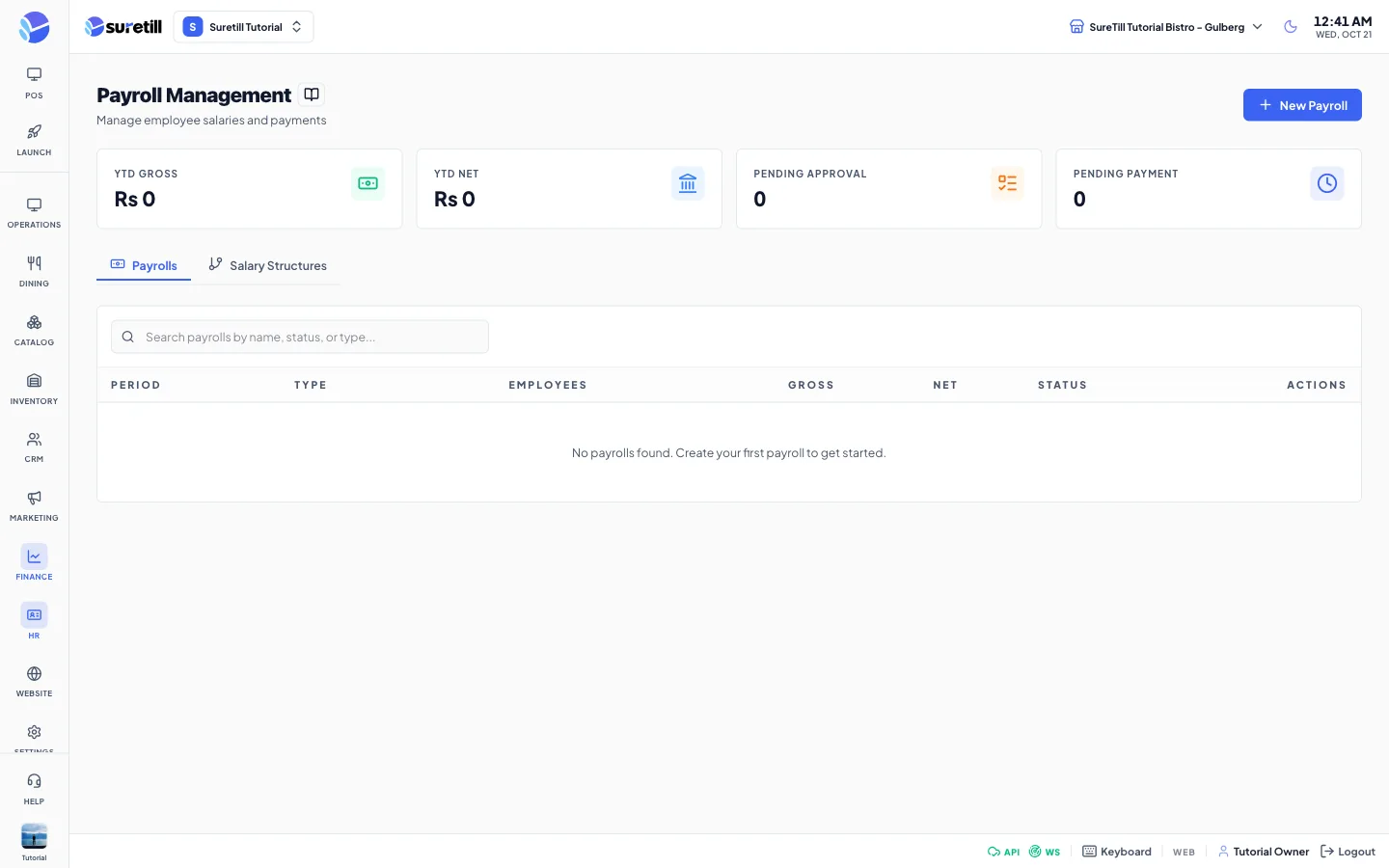
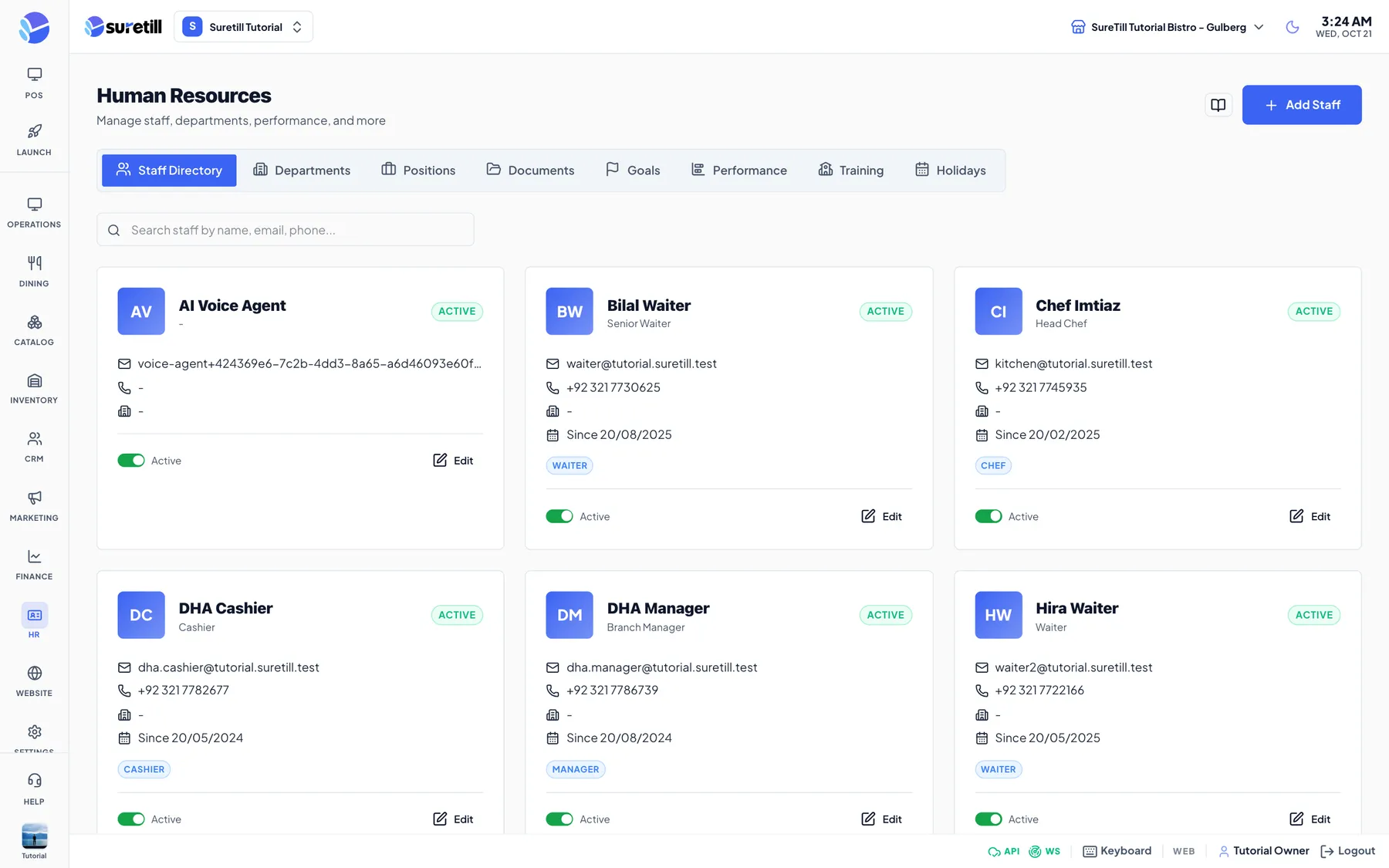
Staff clock in and out on a terminal or an attendance device. Managers define shifts, approve overtime and leave, and each person has an employee portal to see their attendance, request a salary advance and view pay periods.
Payroll then calculates pay for a period from attendance and each person's salary structure. Approve it, mark it paid and print the salary slips, with roles and permissions deciding who can see what.
Staff, attendance and payroll, in practice
Clock in/out, shifts and attendance records.
Requests and approvals in one place.
Pay calculated from attendance, approved, marked paid, with salary slips.
Each person sees their own attendance, advances and pay periods.
Four steps
- 01Set shifts and structures
Define working hours and salary rules.
- 02Staff clock in
On the terminal or an attendance device.
- 03Create payroll
The system calculates pay for the period.
- 04Approve and pay
Print salary slips.
Step-by-step guides: Attendance, Shifts and Leave, Payroll, Employee Self-Service.
Do staff need separate logins?
Staff use their own PIN or login, and permissions control what each person can see.
See Staff, attendance and payroll running on a real restaurant.
Open the live demo and click through it yourself, or book a 30-minute appointment and we set it up for your menu while you watch.